2022 Toyota Sienna Owner’s Manual — Using the storage features
Interior features
List of storage features

- Auxiliary boxes
- Cup holders
- Door pockets
- Bottle holders
- Glove boxes
- Console box (if equipped)
WARNING
|
Glove boxes
- Upper glove box
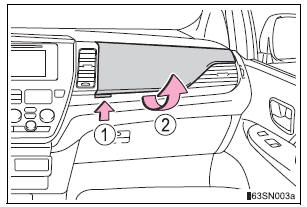
- Push the button.
- Open the lid.
- Lower glove box
The lower glove box can be opened by pulling the lever and can be locked and unlocked by using the master key (vehicles without a smart key) or the mechanical key (vehicles with a smart key system).
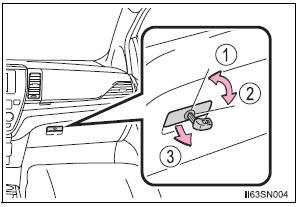
- Unlock
- Lock
- Open
Console box
Press the tab.
- Type A
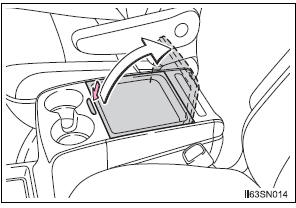
- Type B

Sliding the console box (type B)
- From front

Press the tab and slide the console box.
- From rear
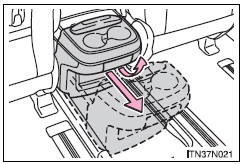
Pull up the lever and slide the console box.
Console box light
The console box light turns on when the headlight switch is on.
| WARNING
Console box adjustment precaution (type B)
|
Cup holders
- Front

Press in and release the front cup holder.
- Console box type A (if equipped)
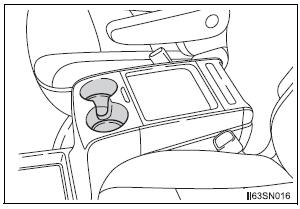
- Console box type B (if equipped)
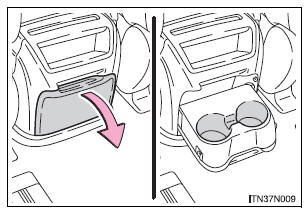
Pull the lid down.
- Console box type C (if equipped)
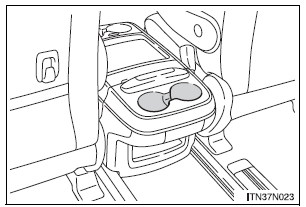
- Second seat (if equipped)
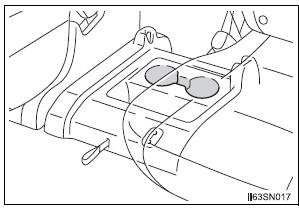
Removing the second center seat.
- Rear
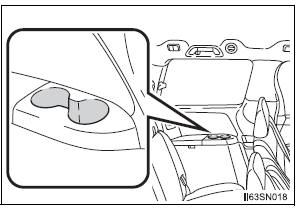
Cup holder light (console box type)
The cup holder light turns on when the headlight switch is on.
| WARNING Do not place anything other than cups or beverage cans in the cup holders.
Other items may be thrown out of the holders in the event of an accident or sudden braking and cause injury. If possible, cover hot drinks to prevent burns. |
Bottle holders
- Front
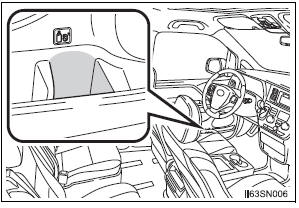
- Rear
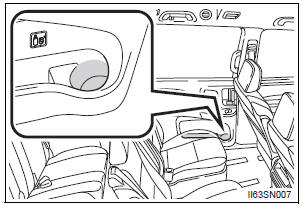
- When storing a bottle, close the cap.
- The bottle may not be stored depending on its size or shape.
| WARNING Do not place anything other than a bottle in the bottle holders.
Other items may be thrown out of the holders in the event of an accident or sudden braking and cause injury. |
| NOTICE Rear: Make sure items in the sliding door bottle holder will not interfere with the motion of the door before operating the door. Items that protrude from the bottle holder may prevent door opening or damage the vehicle. |
Door pockets
- Front
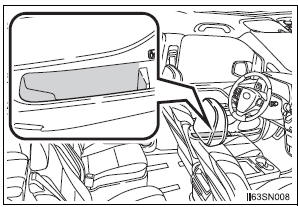
- Rear
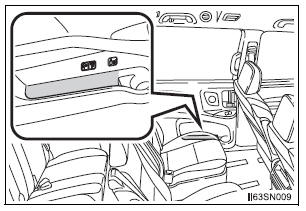
| NOTICE Rear: Make sure magazines are not bent or protruding from the sliding door pockets.
Do not insert anything too big so that the shape of the sliding door pockets is distorted. Such objects may obstruct the opening/closing of the sliding doors, damage the sliding door pockets or the vehicle body, and may result in a malfunction.
|
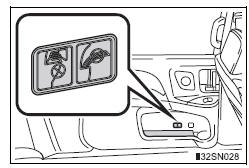
Auxiliary boxes
- Type A
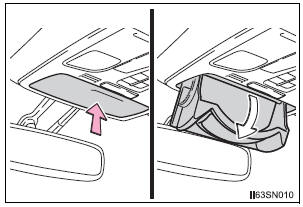
Push the lid.
- Type B
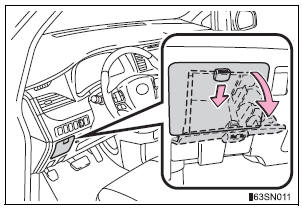
Push down the knob.
- Type C (if equipped)
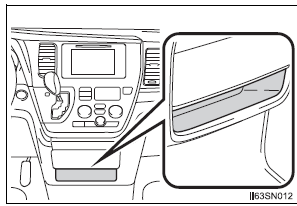
- Type D
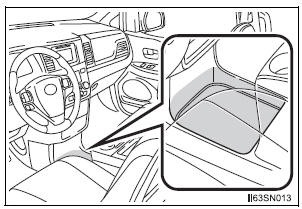
- Type E (if equipped)
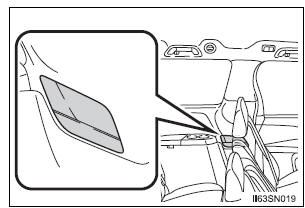
- Type F

Lift the lid.
- Type G (if equipped)

Removing the second center seat.
- Type H (if equipped)
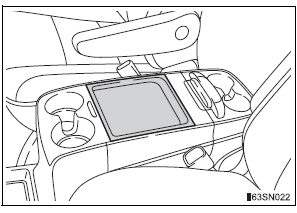
- Type I (if equipped)
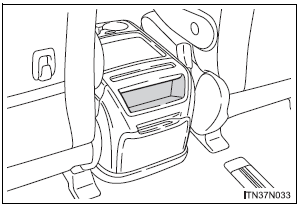
- Type J (if equipped)
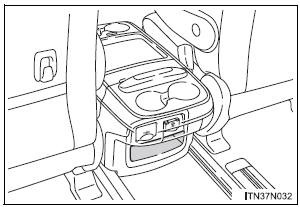
- Type K (if equipped)
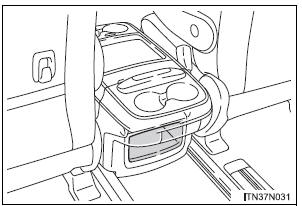
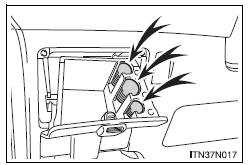
Coin holder (type B)
Nickels, quarters and dimes can be stored separately
| WARNING
Maximum storage weight (type A) Do not store items heavier than 0.4 lb. (200 g). Doing so may cause the auxiliary box to open and the items inside may fall out, resulting in an accident. |
Luggage compartment features
Cargo hooks
Raise the hook to use.
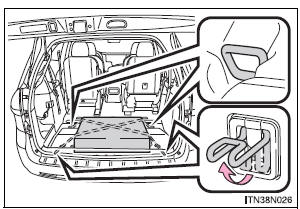
The cargo hooks are provided for securing loose items.
| WARNING To avoid injury, always return the cargo hooks to their positions when they are not in use. |
Cargo net hooks
Raise the hook to use.
- Pattern 1
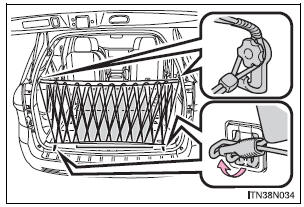
- Pattern 2
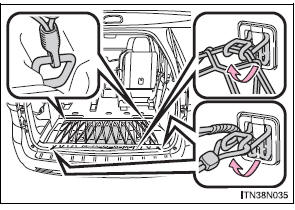
| NOTICE To prevent damage to the cargo net hooks, avoid hanging things other than a cargo net on them. |
Storage box (if equipped)
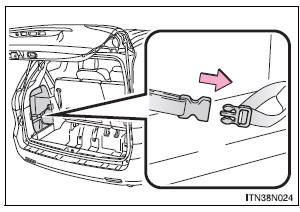
Engage the latch buckle.
Stored owner’s manualImported HTML from the shared Autotk manuals tables. Not an official Toyota site.